Email notifications
Email notifications are triggered upon the creation of any new Advocacy request. Distribution is governed by the tagging configuration, ensuring users only receive relevant alerts.
The option allows for 'In-Inbox' completion, enabling users to fulfil requests without needing to log in to the full portal.
The following guide showcases what the email notifications will look like when sent to users.
Share request email
The share request email is sent upon the creation of a new advocacy post. It is designed to reduce friction, placing the 1-click share and customize buttons at the top of the message.
Below the call-to-action, advocates can review the post’s metadata, including the caption and associated media.

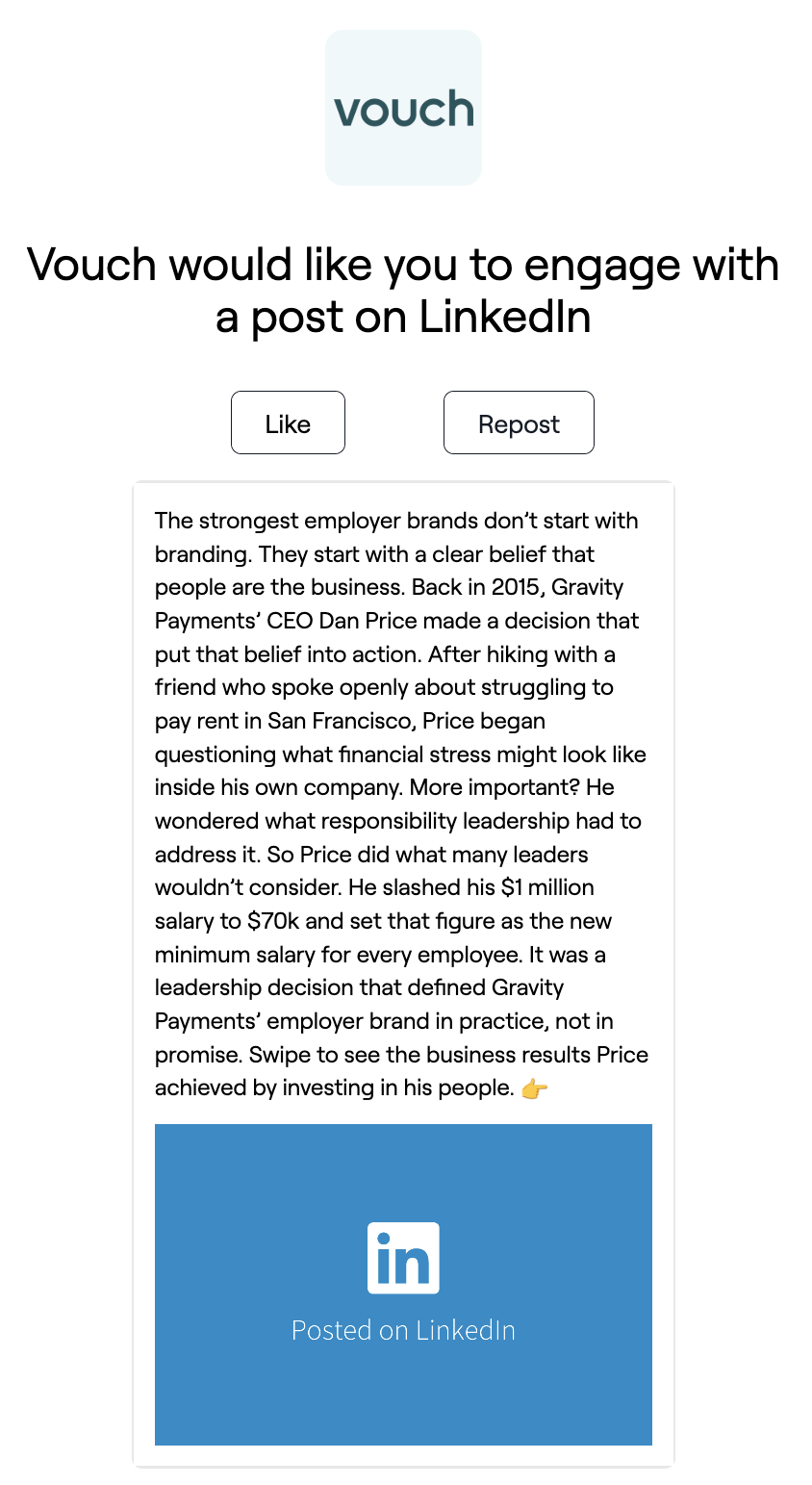
Amplify request email
The amplify request email is sent upon the creation of a new amplify LinkedIn post request. Similar to the new request email, it is designed to reduce friction, with the like and repost buttons located at the top of the message.
Below the call-to-action, advocates can review the post’s metadata, including the caption and associated media.