Advocacy portal
The Advocacy Portal provides a centralised hub for advocates to discover the latest requests from their organisation and take immediate action. The following guide outlines they key features of the Advocacy portal.
To-do list
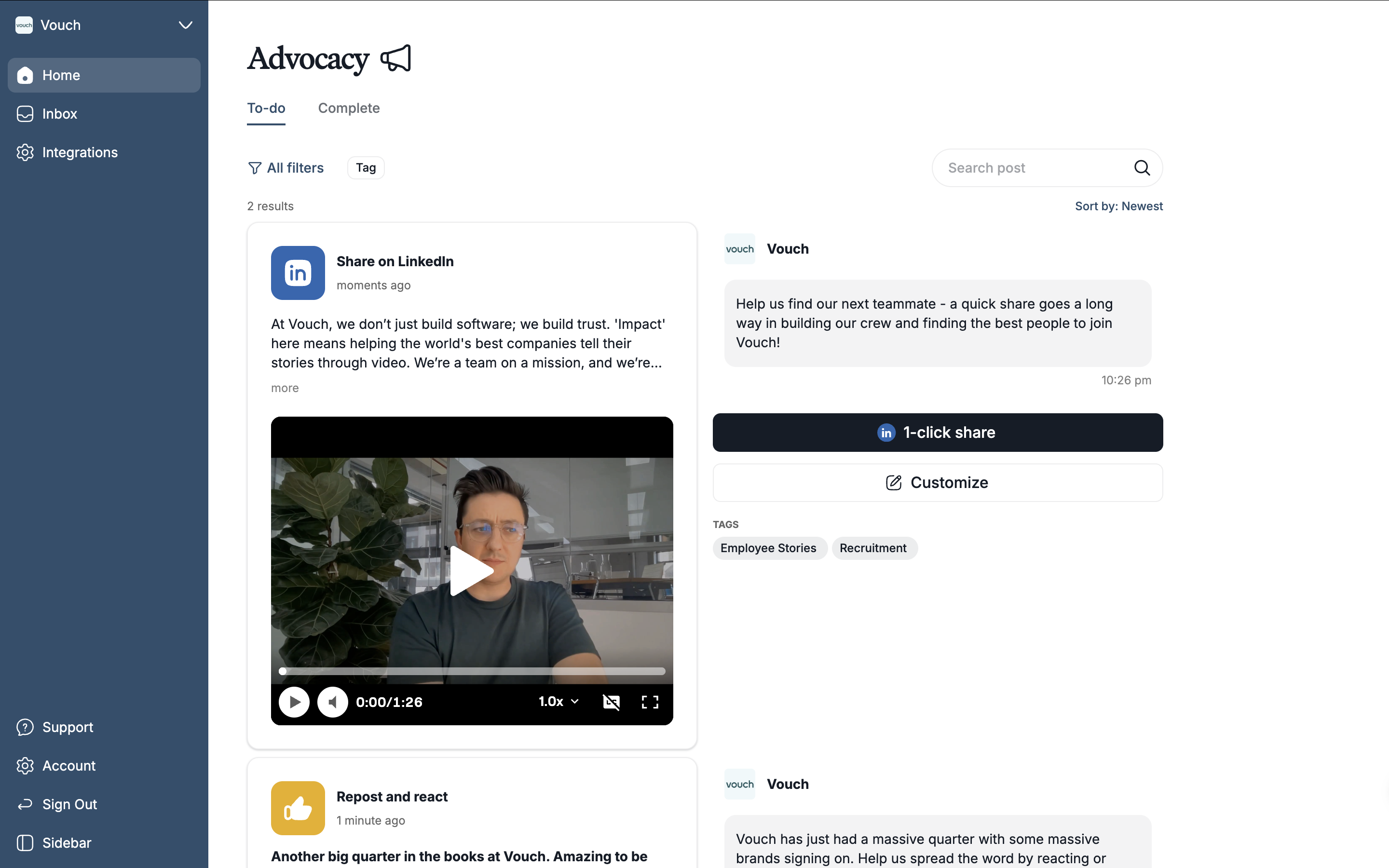
The To-Do list serves as a curated feed of requests tailored specifically to an advocate based on their organisation’s tagging system.
From here, advocates can quickly find specific opportunities using keywords and filters, or take immediate action by sharing, reacting, or reposting content.
Sharing posts
Advocates have two options when it comes to sharing advocacy requests: The first is to use 1-click share to instantly publish the asset and caption to their LinkedIn profile, or the second is they can select customize to tailor the message before it goes live
If a user selects to customize, they'll have the ability to change the caption for the message and who can see the post on LinkedIn.
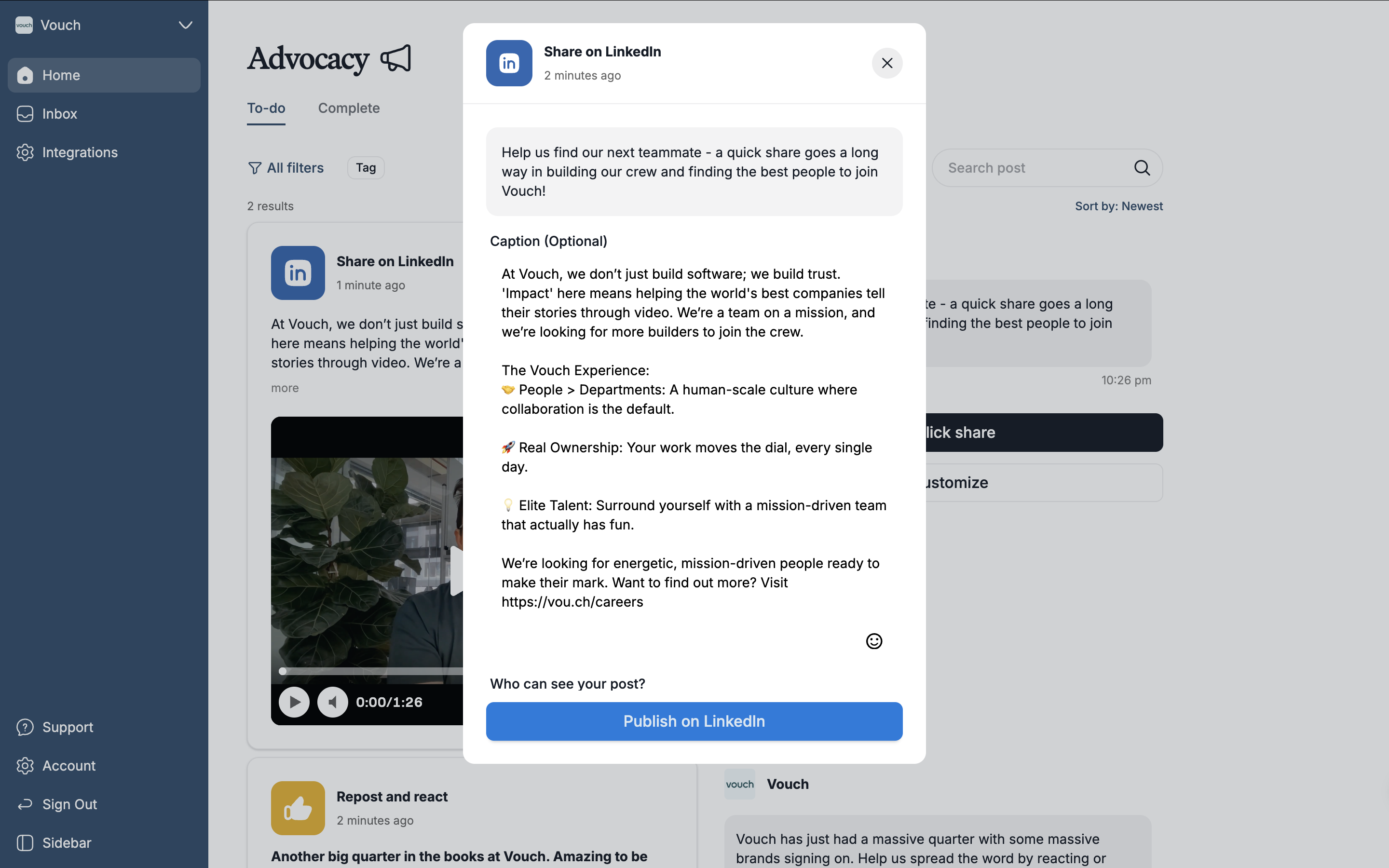
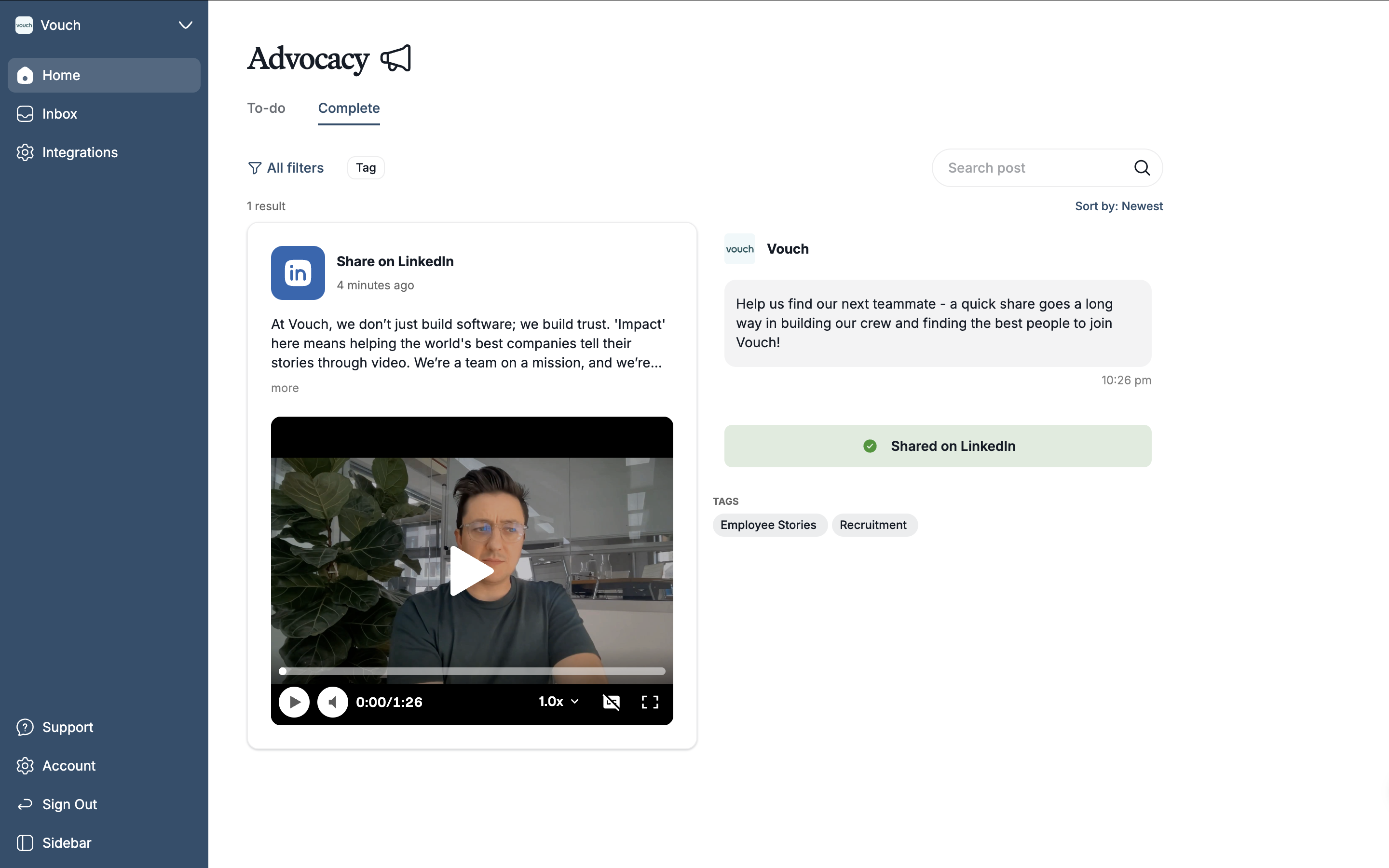
Once the user successfully publishes the share request, it will move to the complete list.
React or repost
Advocates will have the option to react or repost for any amplification requests. These actions can be performed inline and will be instantly done on LinkedIn.
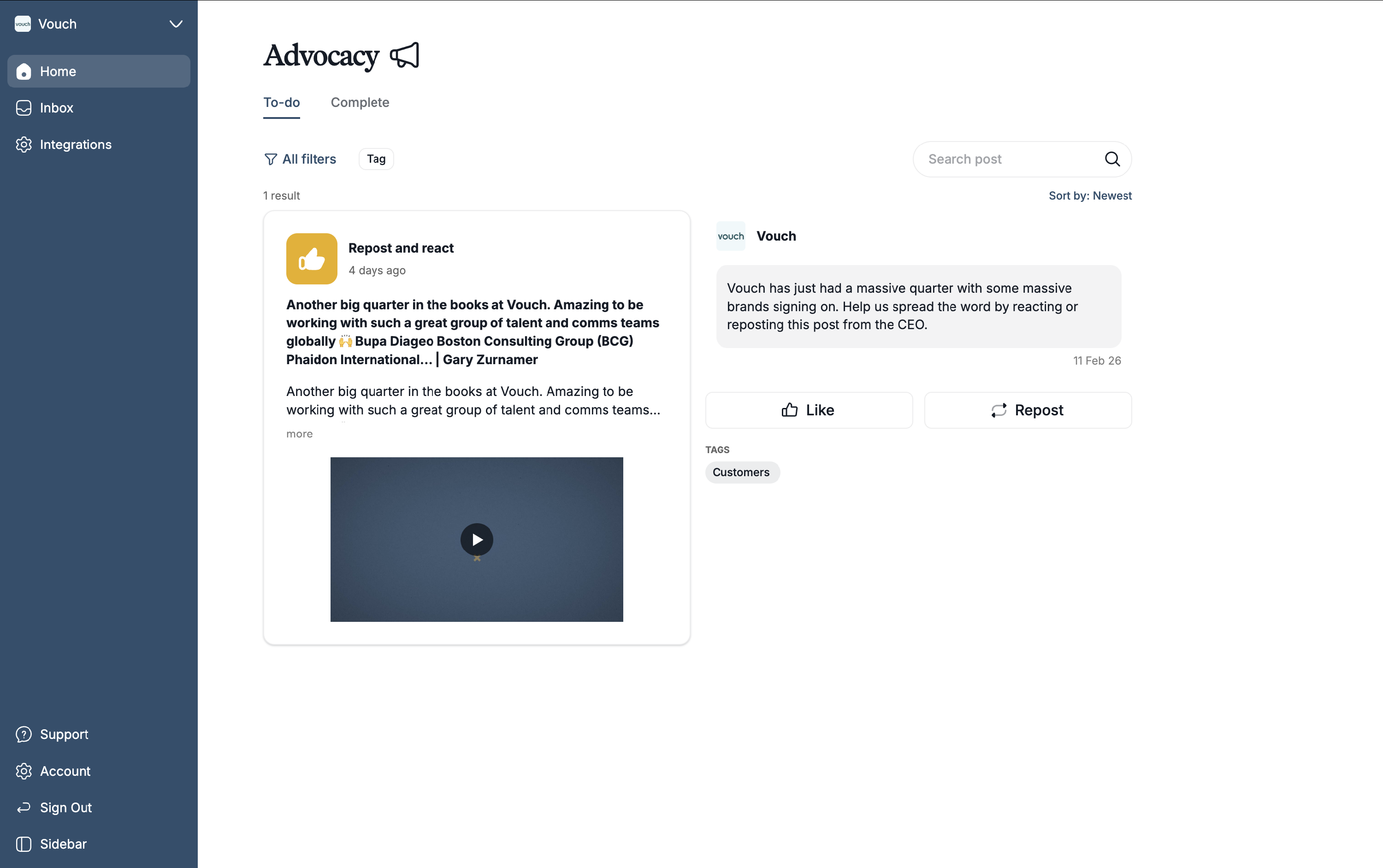
Once the advocate has liked or reposted the respective request, it will move to the complete list.
Complete list
The complete list will showcase every advocacy request that has been completed by the respective advocate.
Integrations
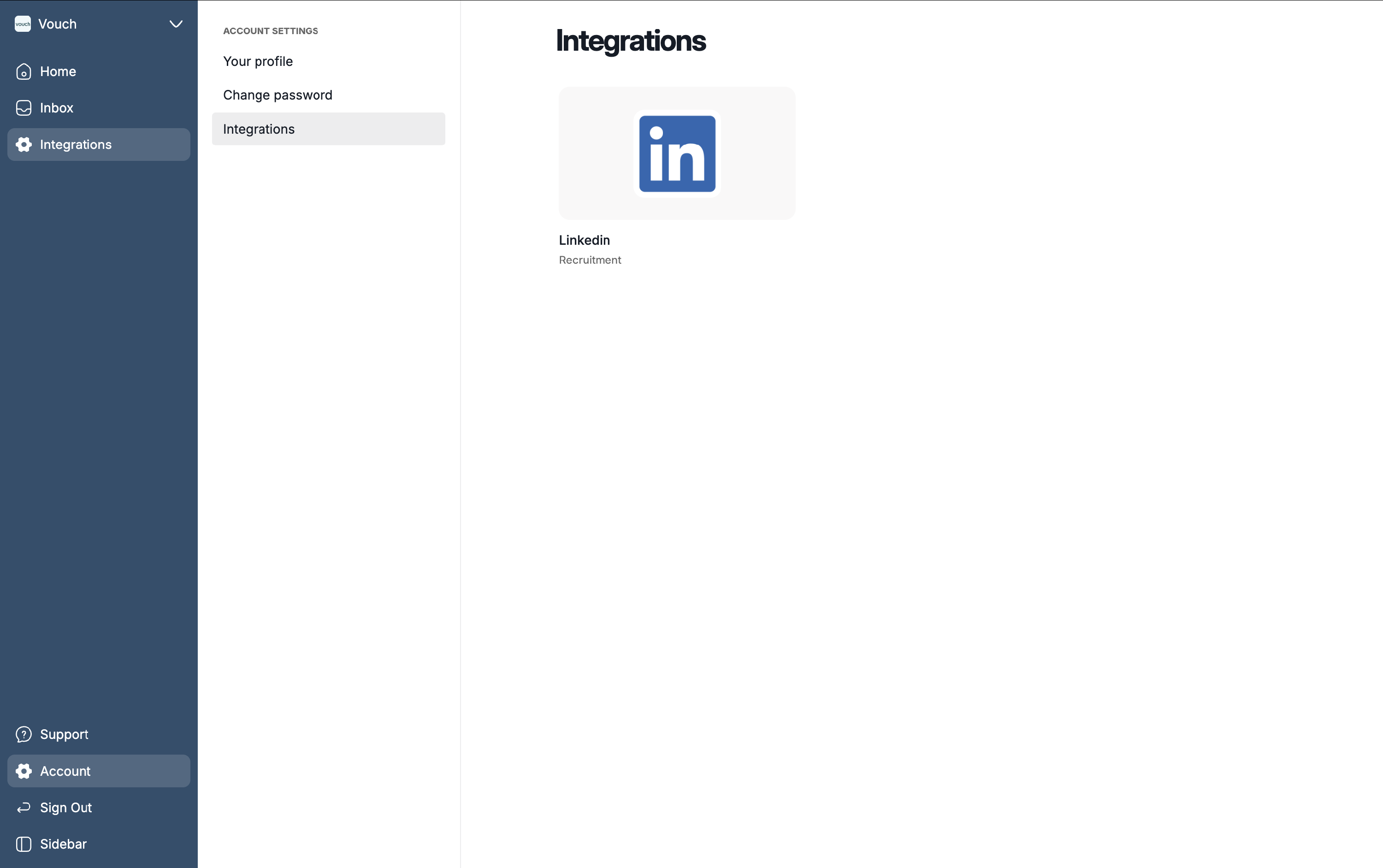
Advocates can manage your LinkedIn connection and permissions within the Integrations tab. Here, users can authorize Vouch to share, react, or repost content on their behalf.
Advocates maintain full control and can update your preferences or disconnect your account at any time