
Employee Portal overview
The Employee Portal is where your staff find, ask about and share your organisation's approved video content.
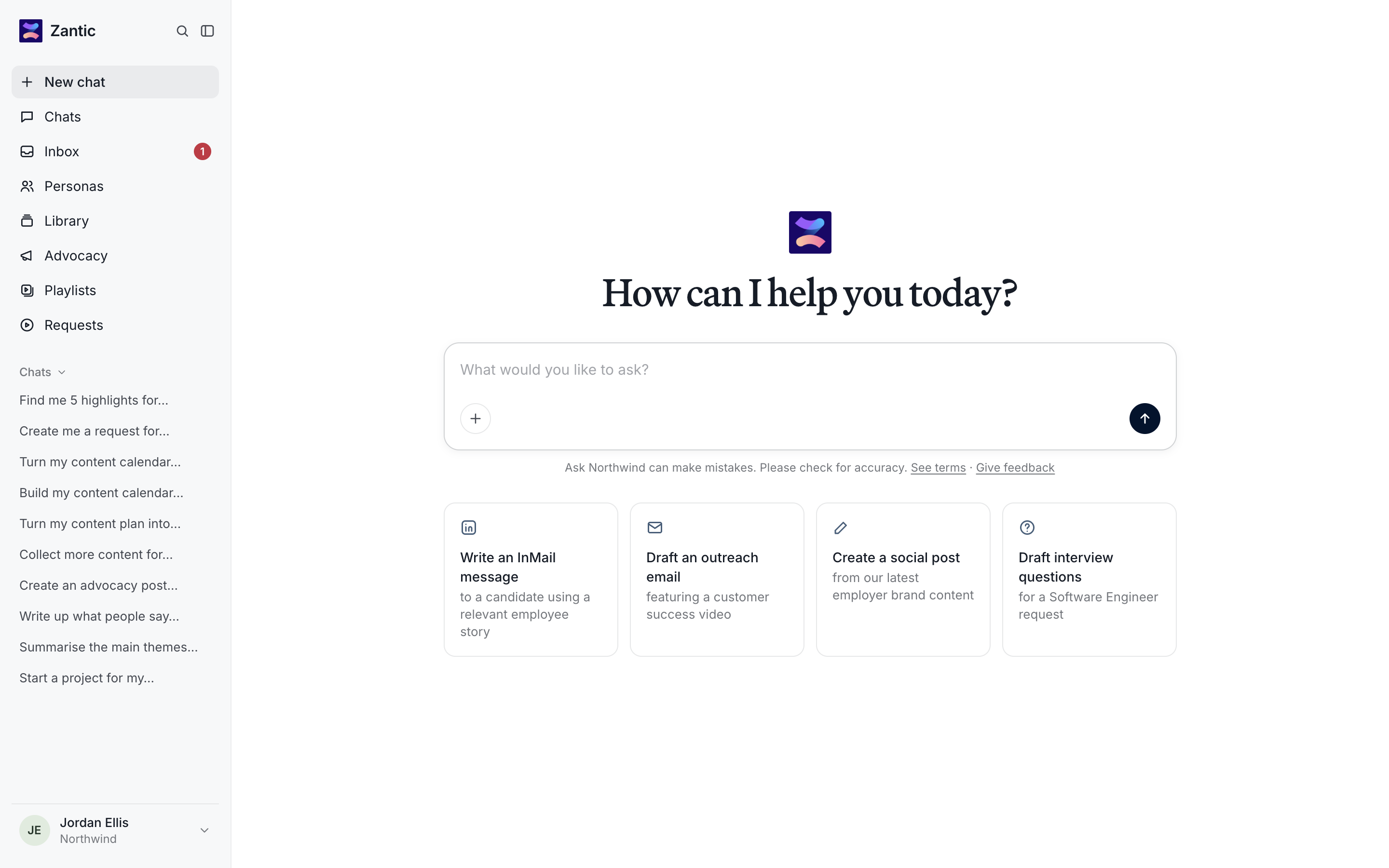
Sitting alongside the Vouch admin app, the Employee Portal is a flexible distribution framework built around Ask Vouch, so employees can ask for what they need in plain language and get content, drafts and links back.
What you can do in the portal
- Ask : Chat with Ask Vouch to find content, draft messages and summarise responses.
- Find: Browse everything your organisation has approved in the Library or Personas
- Share : Post content to LinkedIn through Advocacy, or share approved assets.
- Collect: Send Requests to gather new videos from colleagues, candidates or customers.
- Inbox: See new videos, downloads and request activity in your Inbox.
Navigation
The key functionality available in the Employee Portal navigation
| Page | What it's for | Always on? |
|---|---|---|
| New chat | Start a conversation with Ask Vouch | Yes |
| Chats | Find and reopen past Ask Vouch conversations | Yes |
| Inbox | Notifications about videos, requests and downloads | Yes |
| Personas | Role-based content kits (videos, images, files, templates, links) | Optional |
| Library | All approved content your workspace has made available | Optional |
| Advocacy | Campaigns your team has been asked to share on social | Optional |
| Playlists | Curated collections of videos you can share as one link | Optional |
| Requests | Video requests you can send to collect new content | Optional |