
What is Ask Vouch?
Ask Vouch is the AI assistant built into Vouch. Describe what you want in plain language, and Ask Vouch does the work in your workspace. It can set up a project, draft a request, find the best clips on a topic, or build a composition from them.
What you can do with Ask Vouch
- Set up collection: create projects, requests (including their questions) and Syncs.
- Find and analyse content: search your library and transcripts, summarise themes across responses, and pull out the most common keywords.
- Create content: build playlists and compositions from transcript quotes, and generate images and social tiles.
- Distribute: Create advocacy posts, grab playlinks or
- Organise: tag content and add items to projects.
For a full list of everything Ask Vouch can do, click here.
Where to find it
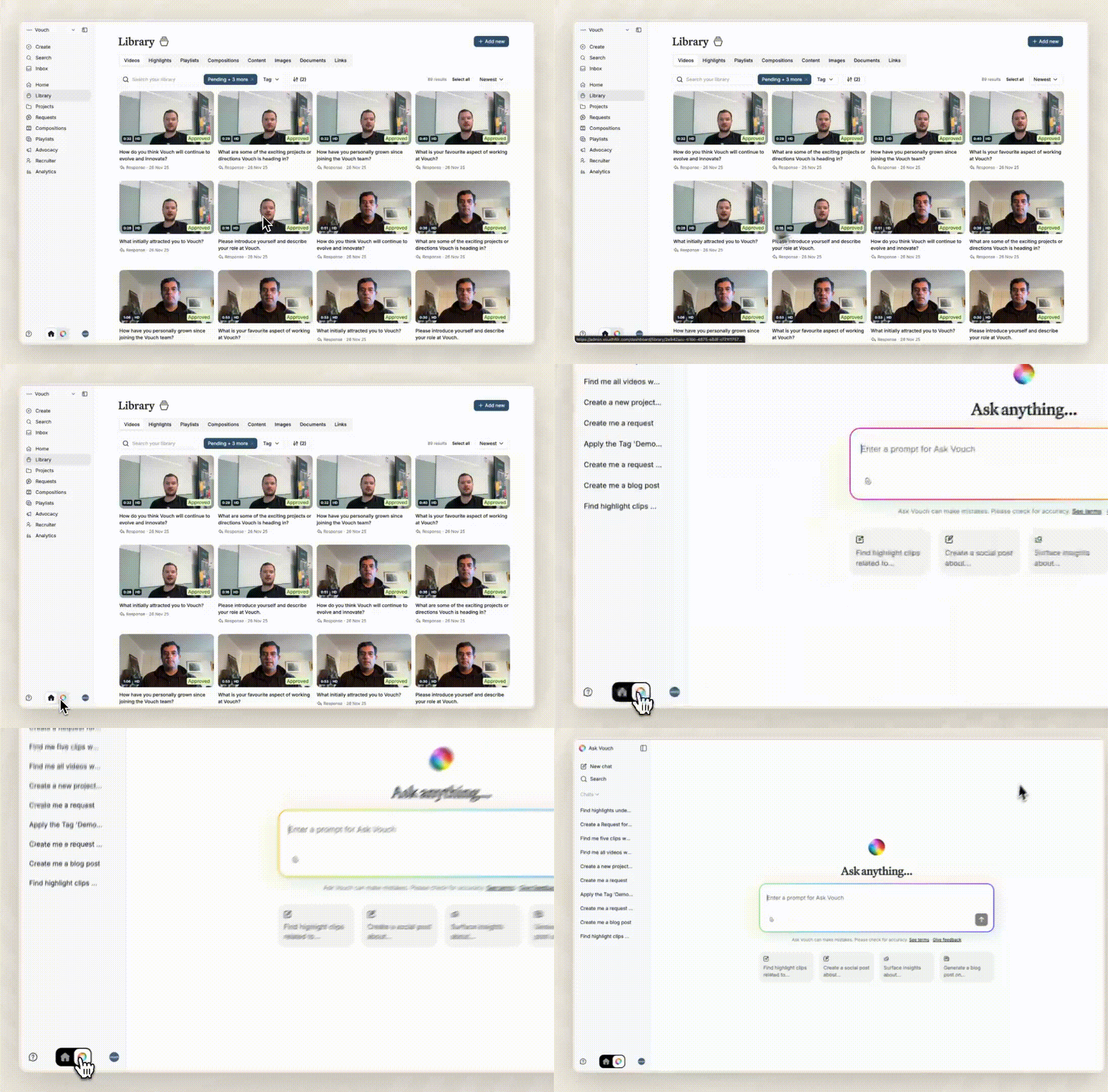
From anywhere in Vouch: use the Ask anything prompt on Home, or click the colourful icon at the bottom of the sidebar to see your chats (New chat, Search, Chats).
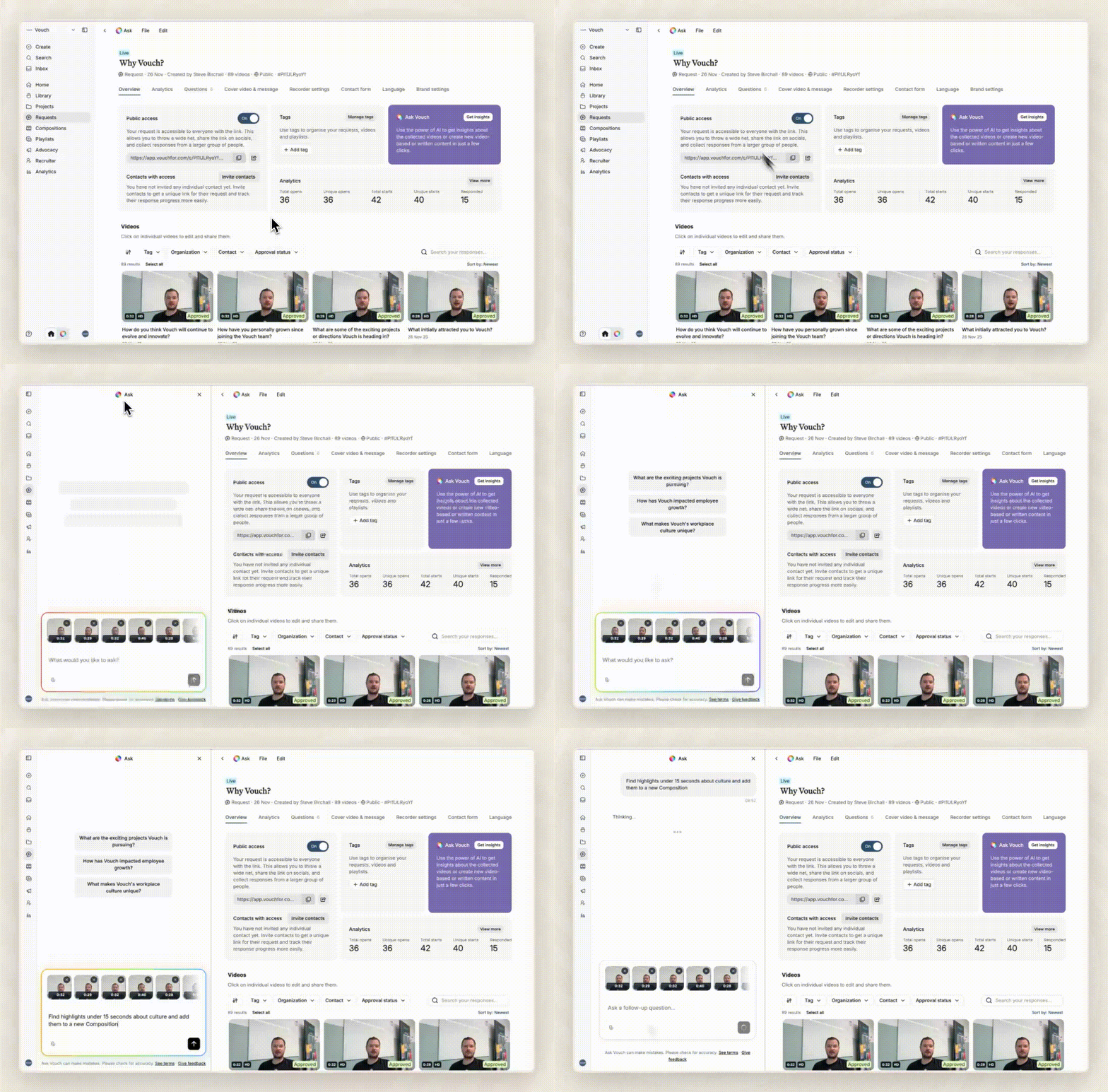
From a project, request, video or composition: click Ask at the top. Ask Vouch opens in a side panel with that item attached, and suggests next steps such as "Create a request" or "Brainstorm ideas".
Ask Vouch homepage: Finally, you can access the Ask Vouch homepage, including previous chats, by pressing the switcher located in the bottom left hand corner.
How it works
- Tell Ask Vouch what you want, for example "Create a project for our graduate program with a request for recent grads."

- Ask Vouch works out the steps and uses your workspace's content, brand settings, templates and tags, and writes in the tone set in AI settings, then Style guide.

- It shows you what it did, with links to everything it created, so you can check the result or keep refining.
Ask Vouch only uses content from your own workspace, and only content your account has permission to access.